
Promos · Video template
Recreate Warm Boutique Editorial for facebook ads creative
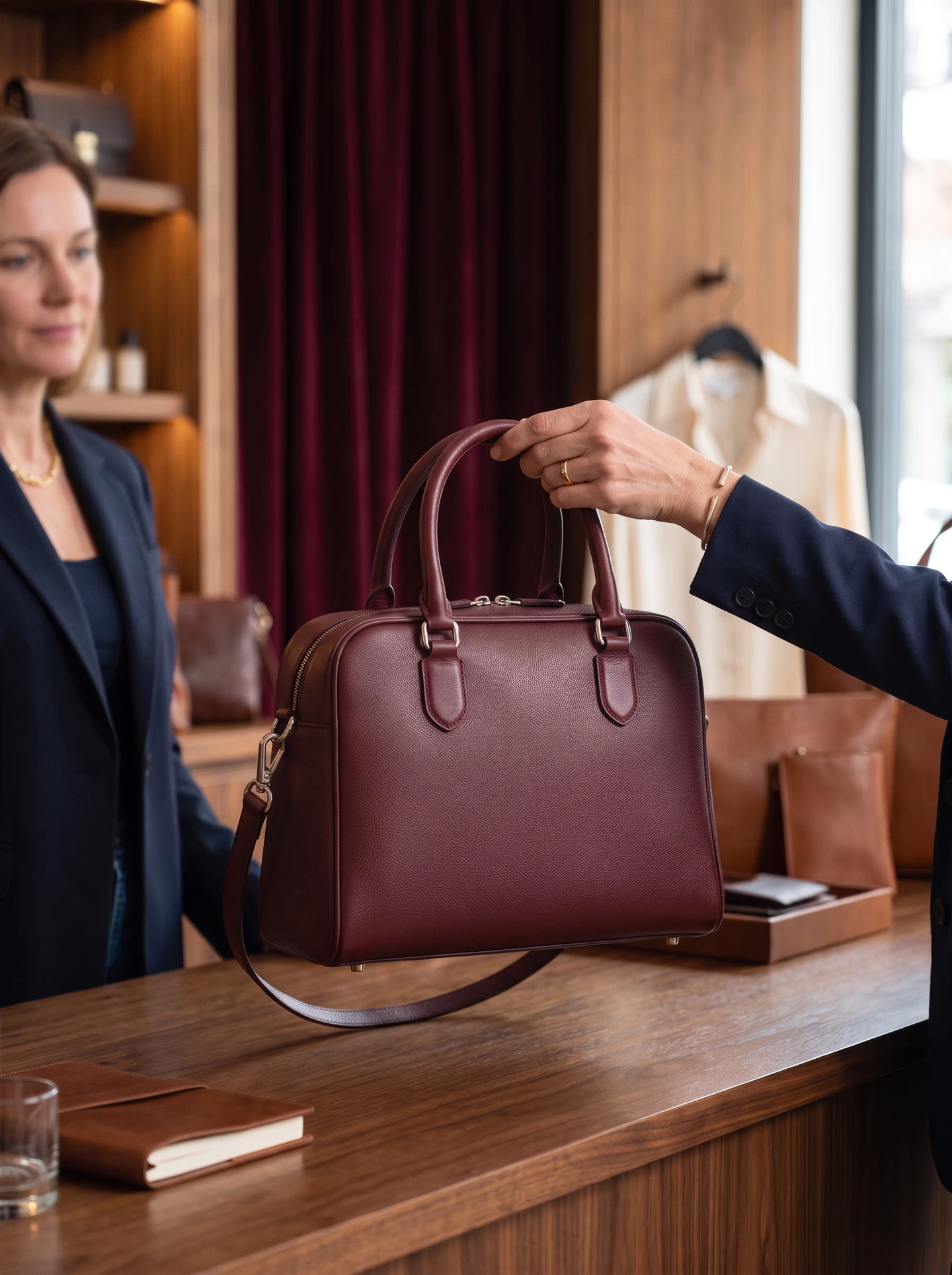
Use Warm Boutique Editorial when you need on-brand video ads for Meta and TikTok ads. Understated retail editorial with polished wood, deep burgundy curtains and tactile detail. AdRoast applies the look with its ai video ad generator workflow.
- Black Friday
- Editorial
- Boutique
- Warm light
- Luxury
Most ecommerce brands waste hours briefing designers or prompting an ai ad maker from scratch. Warm Boutique Editorial packages a tested visual direction — composition, lighting, and black friday, editorial, boutique, and warm light creative — so generations stay consistent with paid-social facebook ads creative.
Because the template encodes the reference look, teammates can recreate the same promos vibe without prompt docs — useful when scaling ugc ads or studio-led facebook ads creative.
After you recreate Warm Boutique Editorial, run the roast. Weak hooks, cluttered frames, and weak product focus show up as notes you can fix with AI edit before buying traffic for facebook ads creative.
When to use Warm Boutique Editorial for facebook ads creative
- Refresh fatigued video ads while keeping a proven visual lane for ai product ads
- Produce ugc ads motion for Meta Advantage+ sets
- Create control vs challenger creatives for structured testing
What to upload
If your catalog spans multiple price points, reuse Warm Boutique Editorial as a house style for ecommerce brands: same environment language, different heroes. Your ai product ads stay intentional while offers rotate.
How to recreate it with AdRoast’s ai video ad generator
Open AdRoast’s ai video ad generator, pick Warm Boutique Editorial, upload your product, and generate. Roast the video ad, optionally improve with AI edit, then export for Meta or TikTok — no briefing marathon.
More Promos templates
Related looks in the same niche — crawlable links for discovery.


