
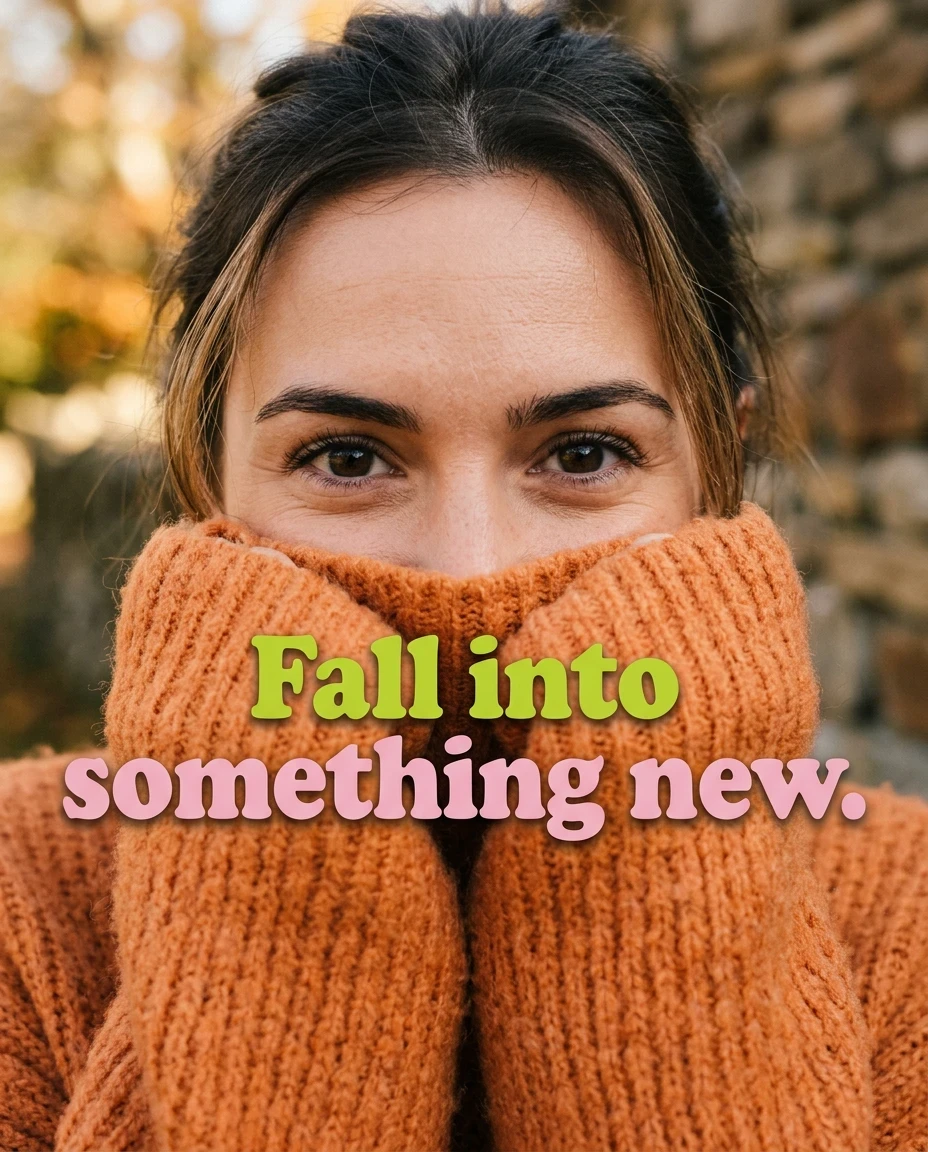
Promos · Image preset
Fall Into New
Two-color type across a close face.
- Format
- Headline
- Reference
Upload your product. This preset makes the ad. No prompt.
Generate this adGenerate image ads from the Fall Into New preset. Upload your product photo and AdRoast applies this sale ads look with its ai ad generator. No prompt. Two-color type across a close face. Roast the result before you buy the click.
Most brands running a seasonal sale waste hours briefing designers or prompting an ai ad maker from scratch. Fall Into New packages a tested visual direction — composition, lighting, and format, headline, and reference creative — so generations stay consistent with paid-social sale ads.
Because the template encodes the reference look, teammates can recreate the same promos vibe without prompt docs — useful when scaling ugc ads or studio-led sale ads.
After you recreate Fall Into New, run the roast. Weak hooks, cluttered frames, and weak product focus show up as notes you can fix with AI edit before buying traffic for sale ads.
When to use Fall Into New for sale ads
- Refresh fatigued image ads while keeping a proven visual lane for black friday ads
- Compare format, headline, and reference creative against a cleaner studio look in the same ad account
- Create control vs challenger creatives for structured testing
Products that work well for sale ads
Ideal inputs are well-lit product photos with a simple background. The template supplies the promos world — you supply SKU truth. That pairing is what makes strong sale ads.
Generate this ad from the Fall Into New preset
From this page, hit Recreate to carry Fall Into New into the create flow. AdRoast applies the curated look, then lets you score and iterate before spend on sale ads.
More Promos templates
Related looks in the same niche — crawlable links for discovery.


