
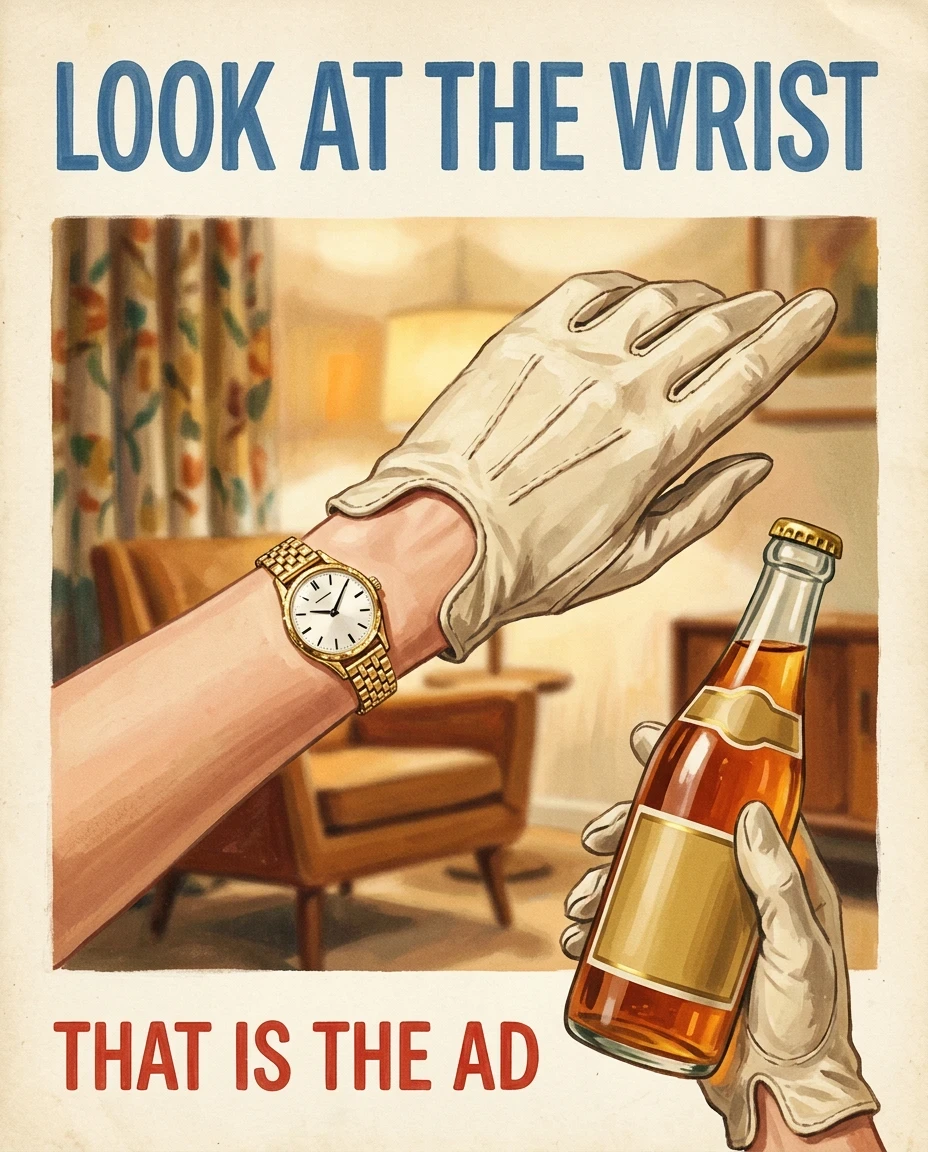
Electronics · Image preset
Look At Wrist
fragrances: LOOK AT THE WRIST
- Halloween
- Format
- Headline
Upload your product. This preset makes the ad. No prompt.
Generate this adGenerate image ads from the Look At Wrist preset. Upload your product photo and AdRoast applies this halloween ads look with its ai ad generator. No prompt. fragrances: LOOK AT THE WRIST Then roast the ad before you spend.
If you sell devices, accessories, chargers, and tech gadgets, scroll-stopping creative usually means the right scene, not a better product photo. Look At Wrist is a reusable image ad facebook ad template: apply it to your SKU, generate variants, and roast before you spend.
Pair Look At Wrist with a clean product shot and generate multiple angles of the same look. Then roast each result so you know what is launch-ready before halloween ads on Meta and TikTok spend starts.
Teams using templates like Look At Wrist ship more variants per week because creative direction is already decided. You focus on offer testing for electronics and gadget brands instead of art-direction debates.
When to use Look At Wrist for halloween ads
- Refresh fatigued image ads while keeping a proven visual lane for halloween ad template
- Localize one look across devices, accessories, chargers, and tech gadgets in your catalog
- Brief freelancers with a living facebook ad template instead of a Pinterest board
What to upload
If your catalog spans multiple price points, reuse Look At Wrist as a house style for electronics and gadget brands: same environment language, different heroes. Your halloween ad template stay intentional while offers rotate.
Generate this ad from the Look At Wrist preset
From this page, hit Recreate to carry Look At Wrist into the create flow. AdRoast applies the curated look, then lets you score and iterate before spend on halloween ads.
More Electronics templates
Related looks in the same niche — crawlable links for discovery.


